




Run Field Work From
Intake to Execution

Manage customers, jobs, schedules, and field teams from one connected platform.

The world's best companies trust LINCGEO.

A Single Platform for Field-Service and Project-Based Operations
Most field-service and project-based operations run on a mix of spreadsheets, calendars, email threads, disconnected Customer & Contact Management, and job notes. The result is the same: customers call for updates, crews need direction, managers chase answers, and leadership lacks a clear view of what is actually happening.
Office and field teams working from the same record.
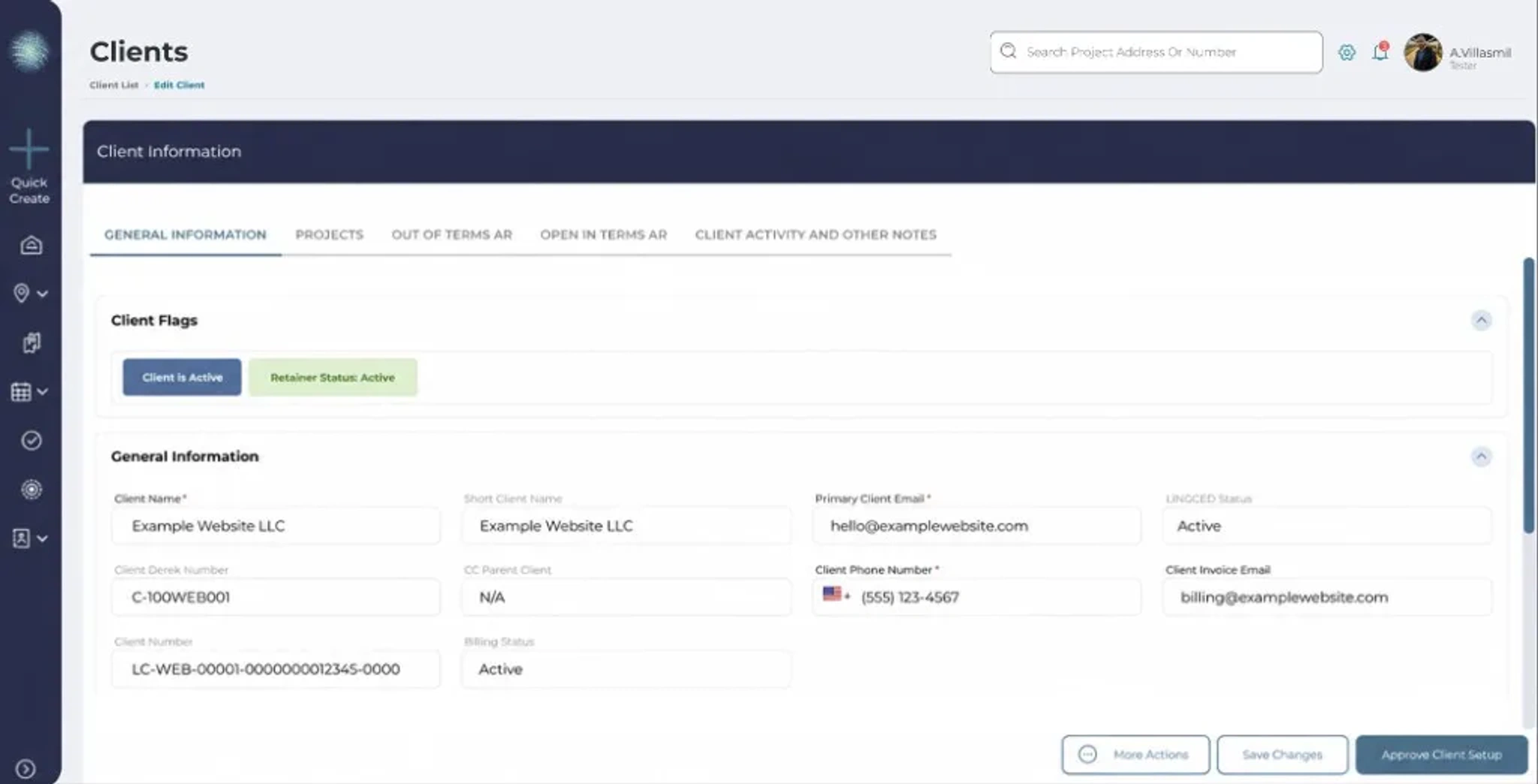
Customers, jobs, contracts, schedules, and field teams in one place.
Built for service businesses that manage crews across job sites.
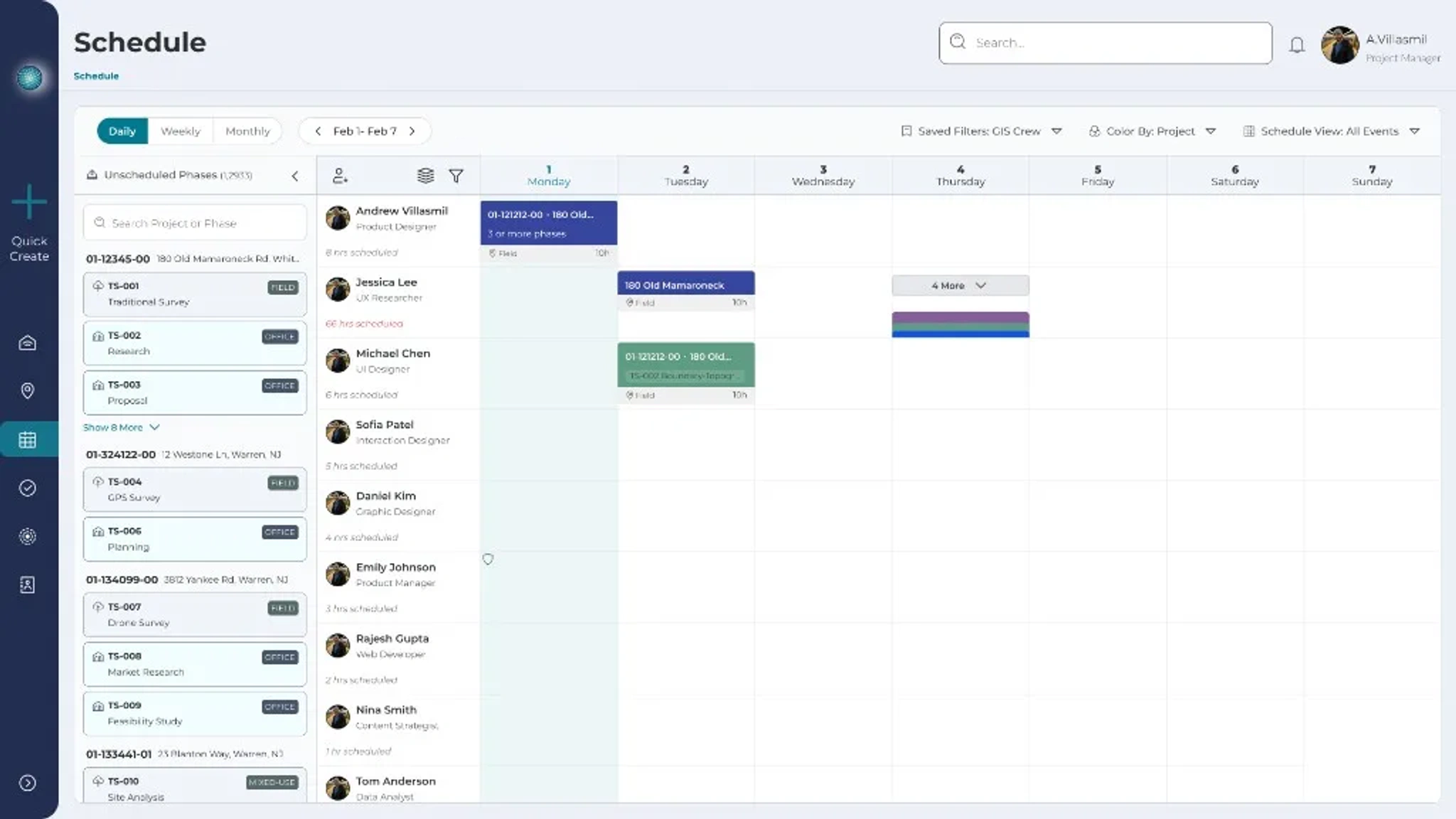
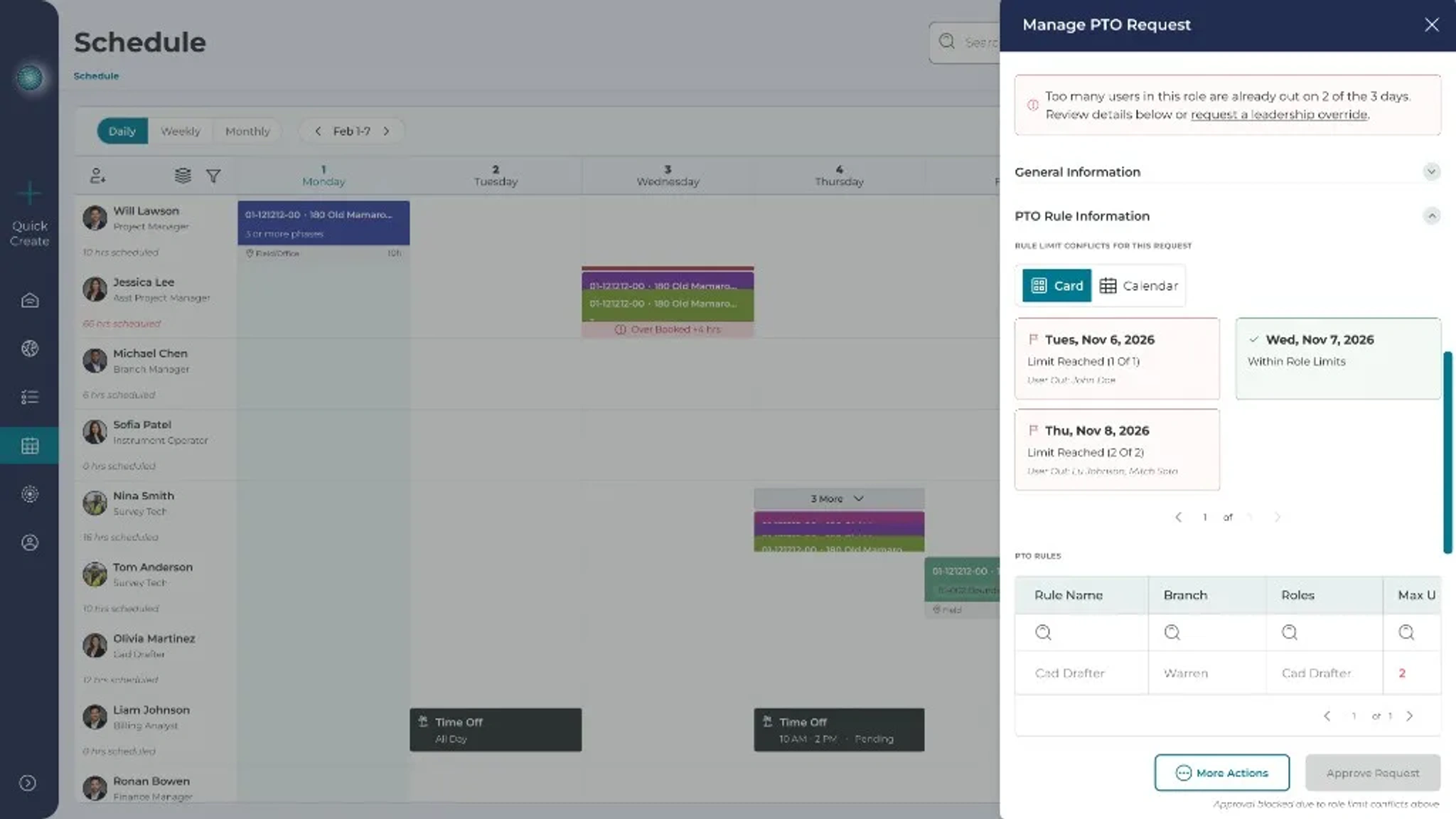
Scheduling built around availability, workload, and conflicts.
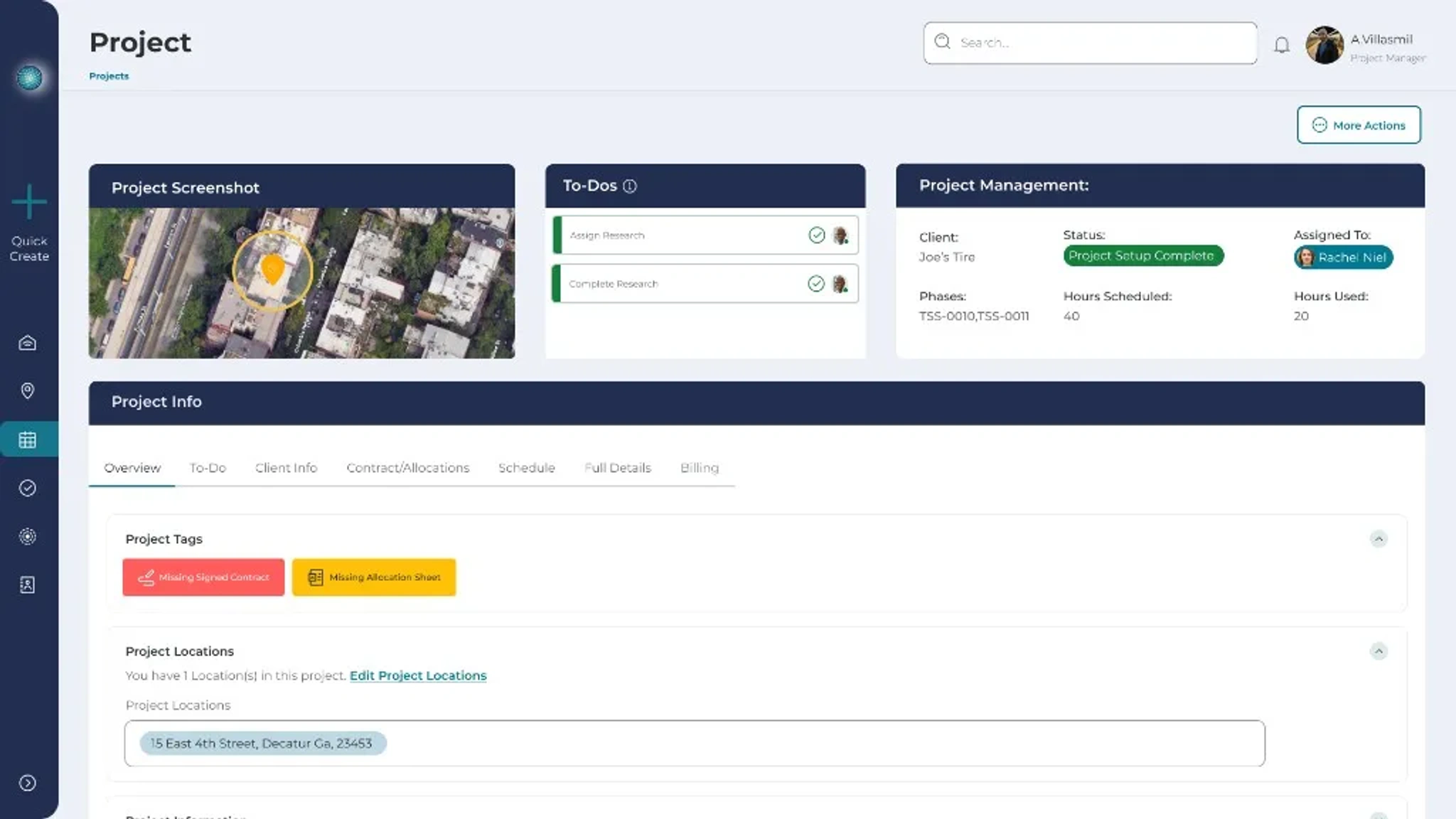
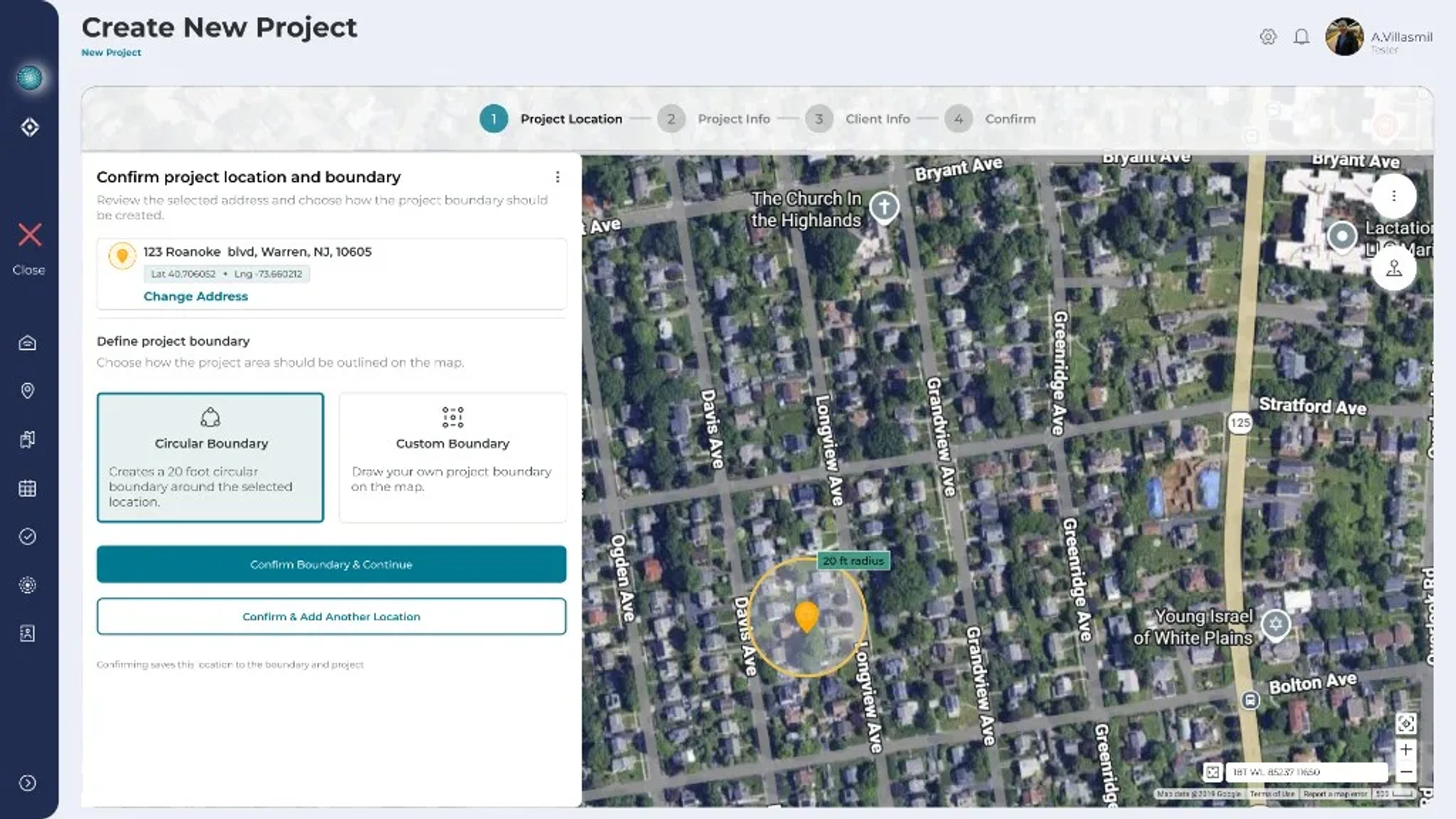
Every job tied to a real location.
Everything Your Team Needs to Run Work From Office to Field
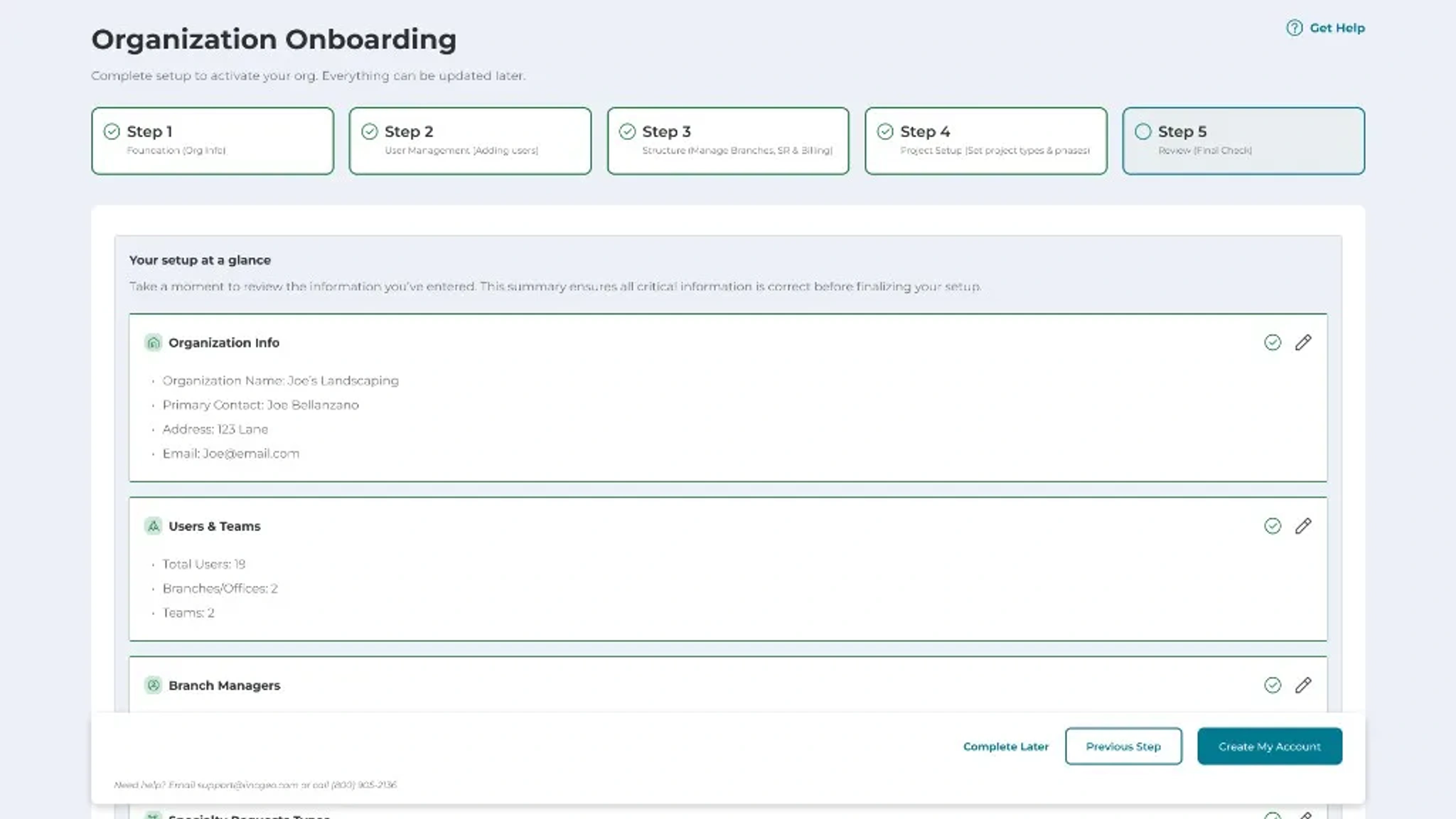
From Job Setup to Field Execution
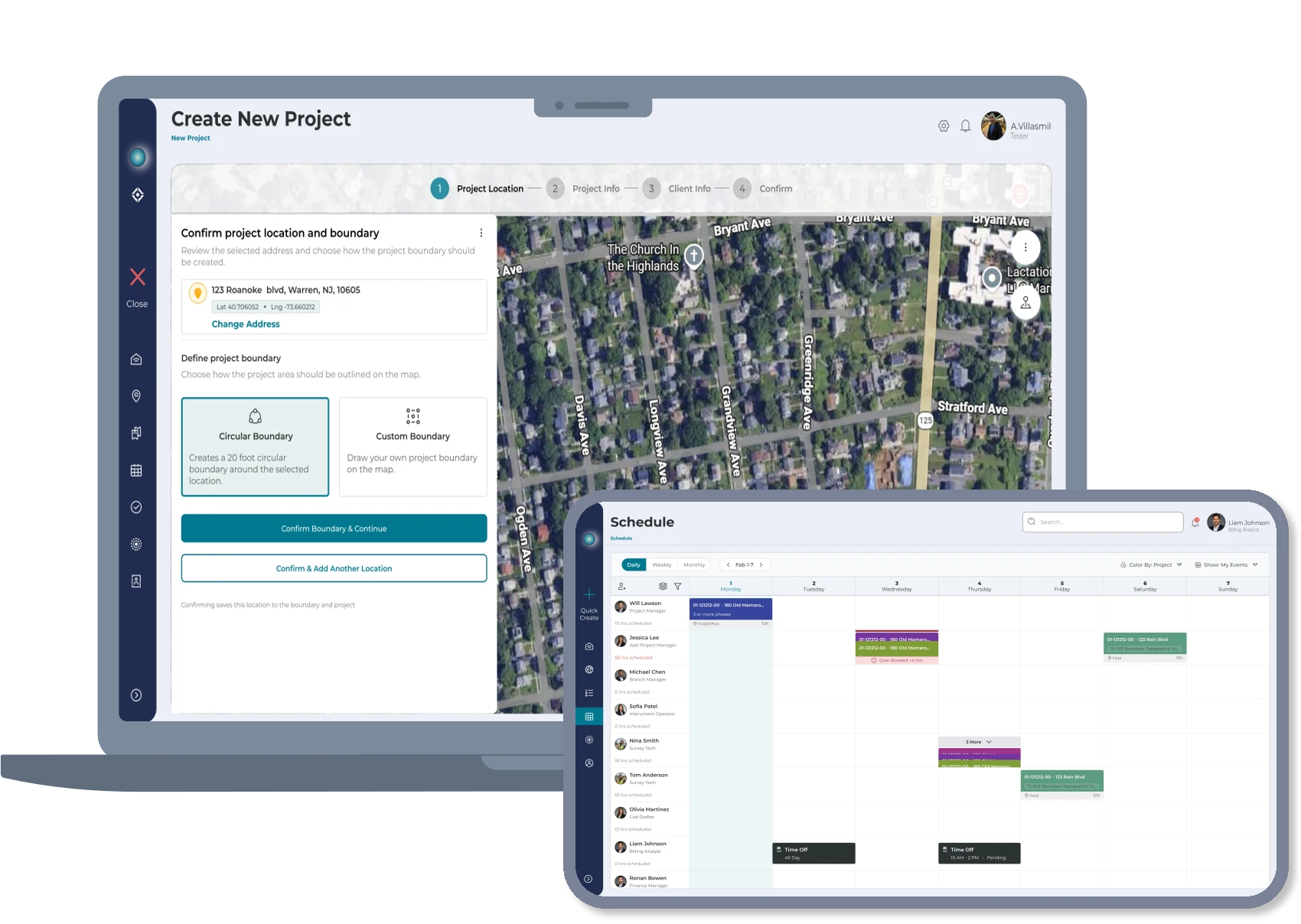
Create the Project
Start by creating a project and setting the job location. Add the key project details your team needs, including scope, site information, status, and any requirements tied to the work.
Connect the Client
Assign the right client to the project so customer details, contacts, job history, and project information stay connected in one place.
Manage Contracts and Approvals
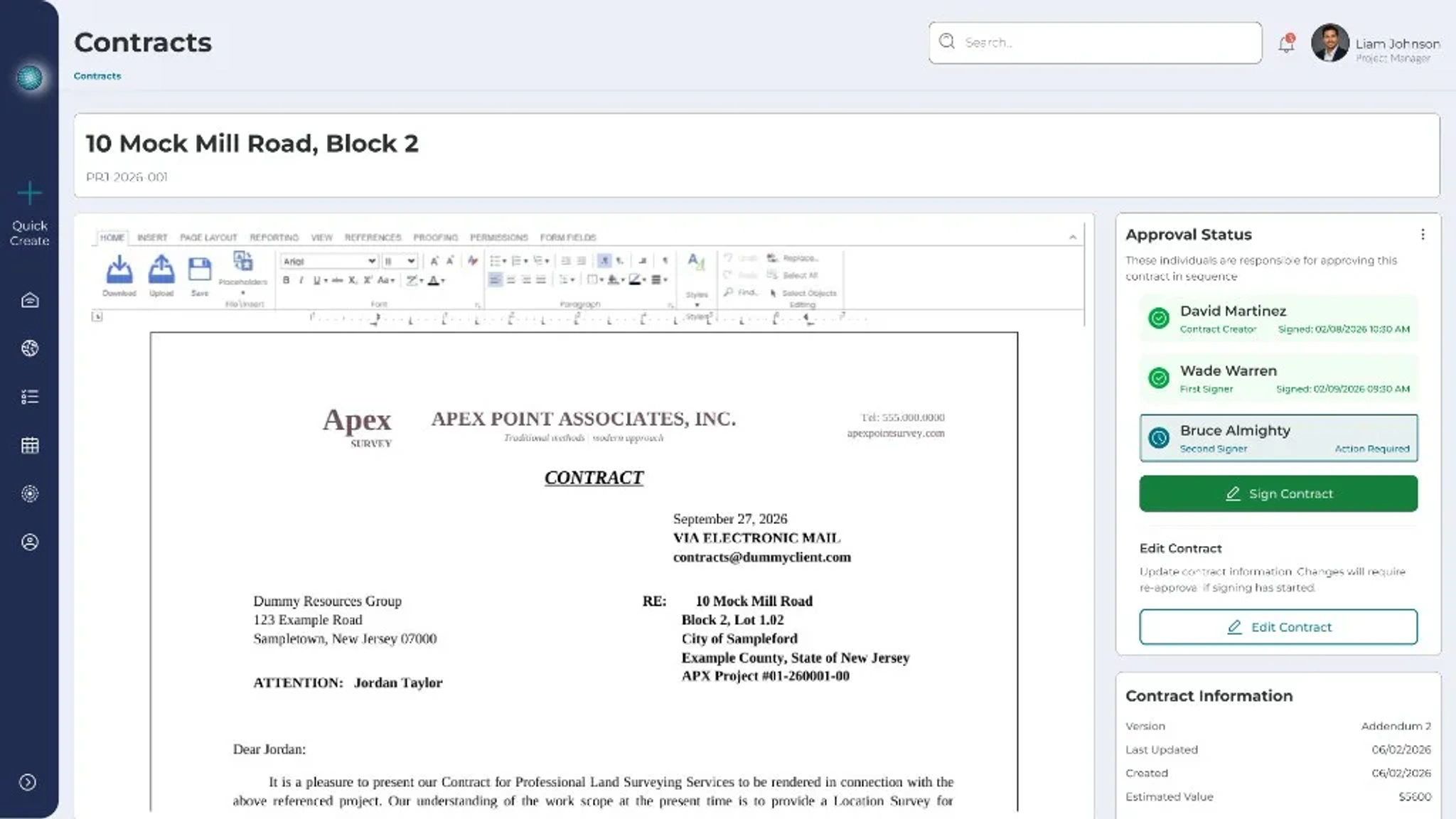
Create contracts, collect approvals, and keep required paperwork tied to the project when the workflow calls for it. If no contract is needed, your team can move straight into scheduling without unnecessary blockers.
Schedule the Work
Once the project is ready and any required contract steps are complete, schedule the right team based on availability, workload, timing, and job needs.
Execute and Track Progress
Office and field teams work from the same connected project record, giving managers visibility into what is scheduled, active, blocked, or completed.

Bring Your Office, Field, and Customer Co-ordination Into One Place
See how LINCGEO connects your customers, jobs, locations, scheduling, contracts, and field teams so your business can operate with more clarity from office to field.